
Monthly learning goals
Choose a lesson
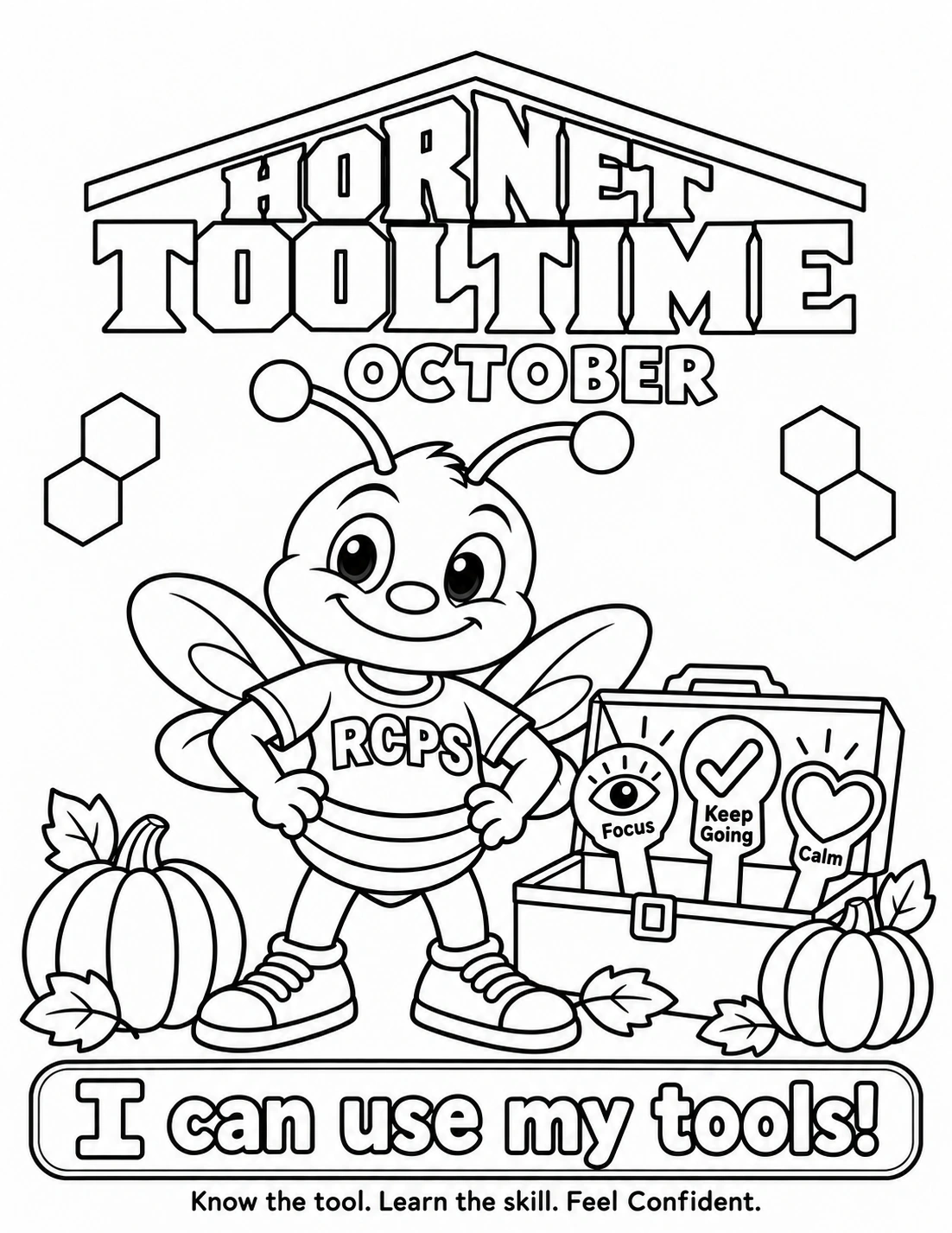
October Extras
An optional coloring page to revisit our October tools: Focus, Keep Going, and Calm.
Print October Coloring PagePDF · 1 page · Letter sizeLearning & participation
This month’s learning goals
Participation this month
Loading shared completion records…
View classroom participation
✓ Complete · ○ Not yet recorded · ◷ Upcoming: future lesson · — No scheduled lesson
To correct a record, open that lesson, select your class, and choose Correct accidental completion.
Mark complete
Class options
Loading the shared class board…
Teacher not listed? Add another class
Tooltime Help
How do I mark participation?
Check your classroom and lesson date. After teaching, select Mark Today Complete. Wait for ✓ Completed and your classroom emoji.
Do I need to sign in again?
Only if your session has ended. Use your approved staff ChatGPT account. School browsers that clear cookies may require another sign-in.
My classroom isn’t remembered.
Select it again. This can happen when switching computers or when browser data is cleared. Your saved participation is still there.
I marked the wrong lesson.
Open that lesson and select Correct accidental completion. Repeated clicks won’t add duplicate credit.
The slides won’t open.
Try Open Slides in a New Tab and use your school Google account if prompted. Mrs. Iverson’s videos are inside the slides.
The slides are on the wrong day.
Return the viewer to the first slide of the selected lesson.
Still having trouble?
Send Mrs. Iverson your classroom name, lesson date, and a screenshot of the message.